VR / AR Projects
AR Elemental Arena
Mobile web AR creature battler
Individual assignment, INTE 42312 Virtual & Augmented Reality, University of Kelaniya. Solo, September 2026.
Runs in Chrome on Android (ARCore). Not yet supported on iPhone. No app install; it runs in the browser.
- A-Frame 1.5
- MindAR 1.2.5 (image tracking)
- WebXR Device API (immersive-ar, hit-test)
- three.js
- aframe-extras
- JavaScript
- Open-Meteo API
- GitHub Pages
 Demo video coming soon
The idea
The assignment required both marker-based and markerless AR, plus a data-driven feature and complex interaction. Rather than build two separate demos, I made them one game: image tracking collects creatures from physical cards, surface detection hosts the battle, both share the same roster, and live weather changes the outcome of a fight rather than being a cosmetic label.
How it plays
Summon (marker-based AR)
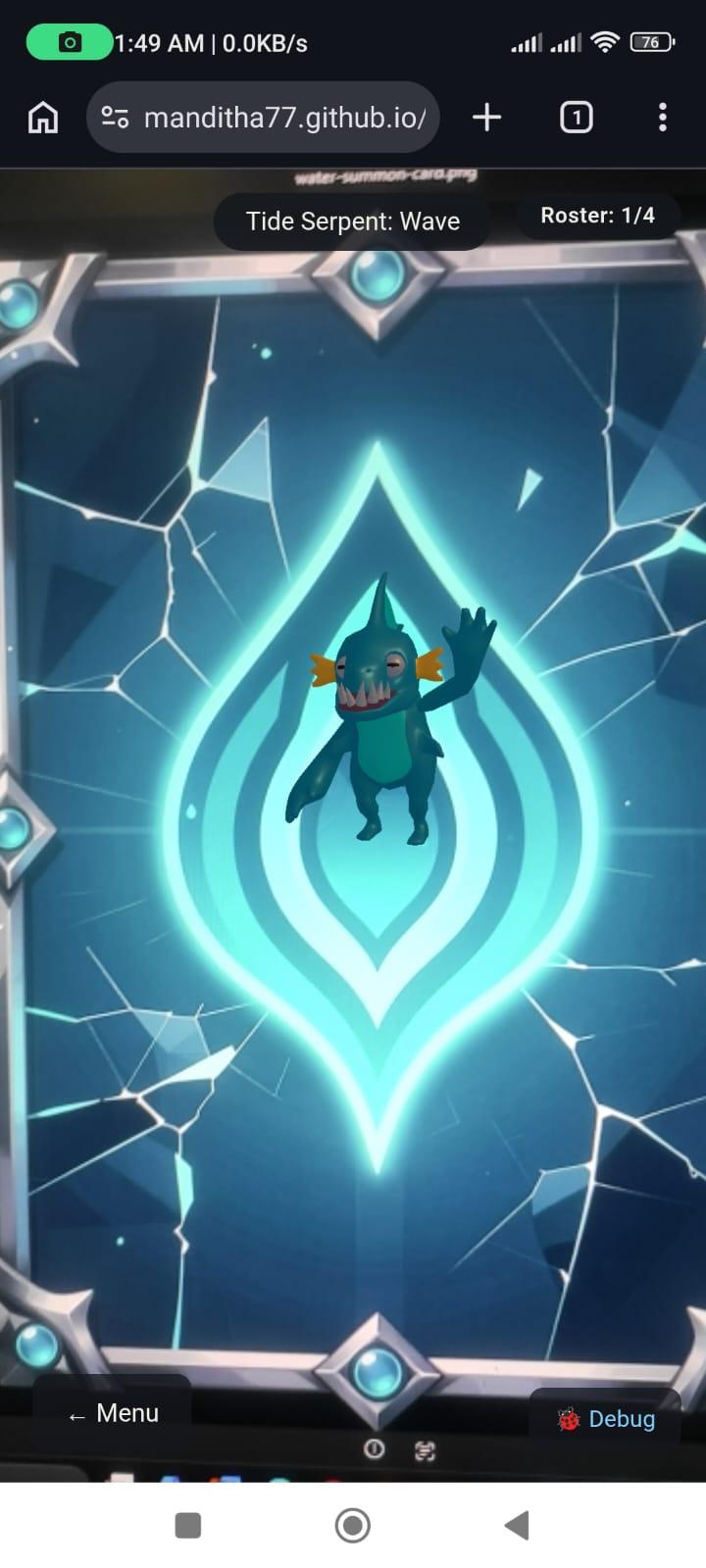
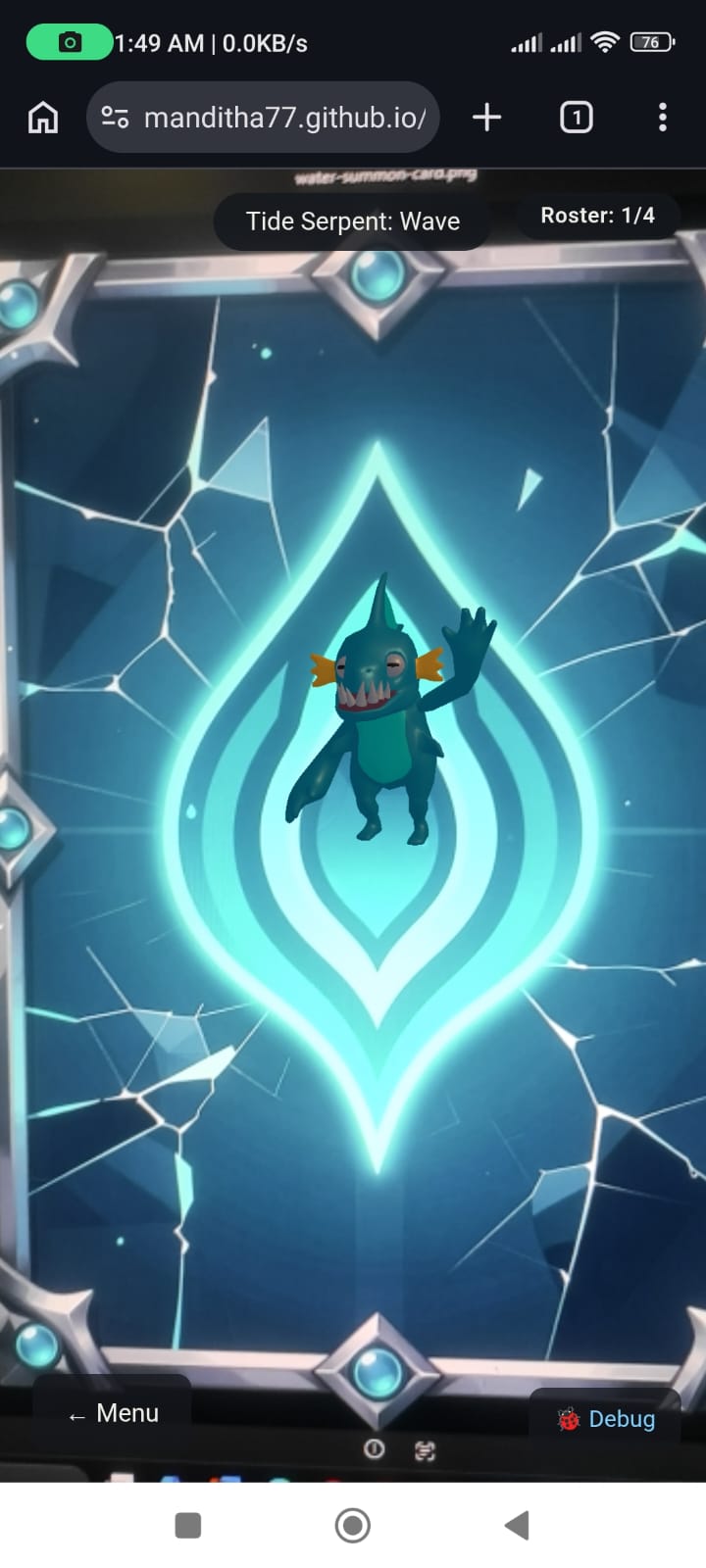
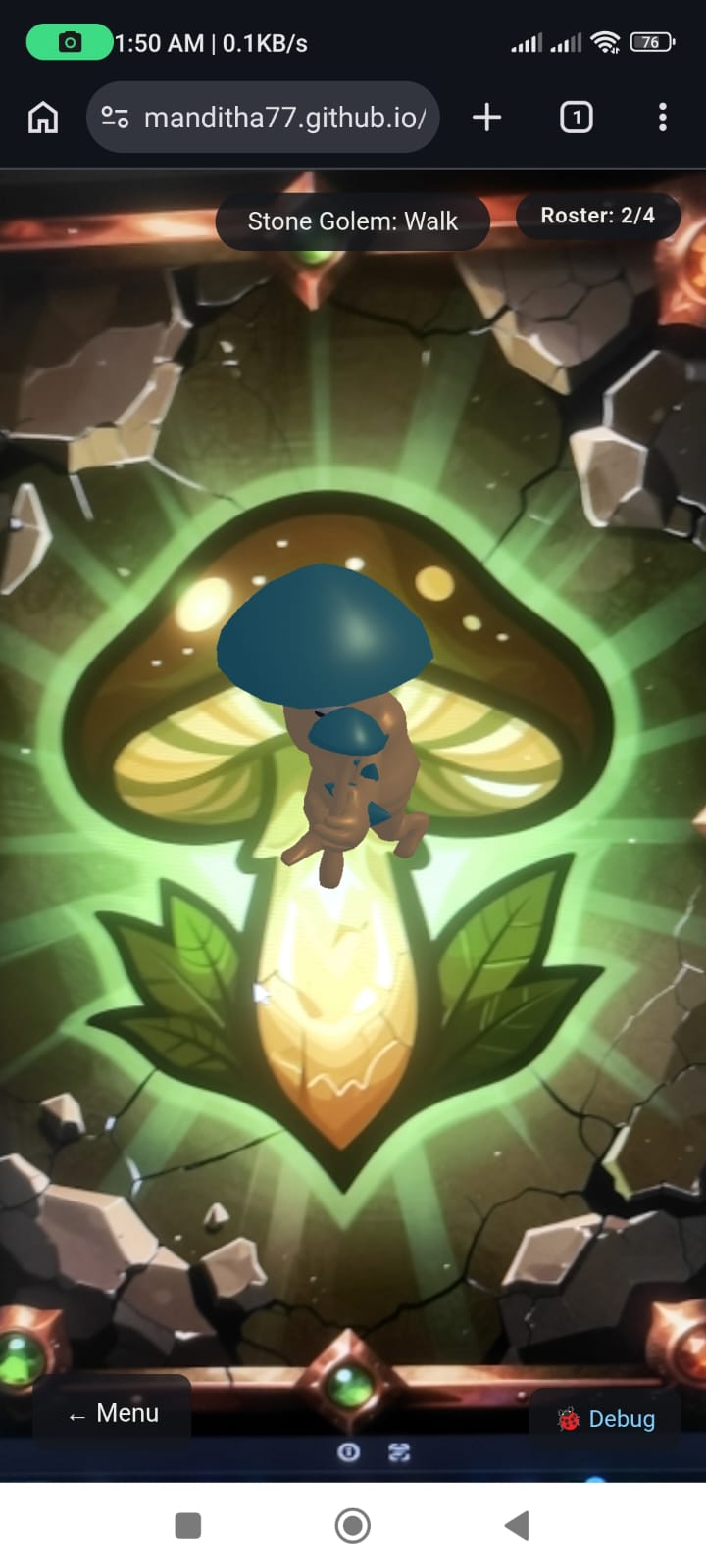
Point the camera at a summon card and its creature appears on the card. Drag to rotate, pinch to resize, and tap to cycle its animations, each with matching sound effects. Every card scanned adds that creature to your roster.
Choose your creature
Pick from the ones you've scanned. The enemy is picked at random.
Deploy the arena (markerless AR)
A reticle finds a real floor or table; tap to place the arena, and both creatures appear facing each other.
Weather buff
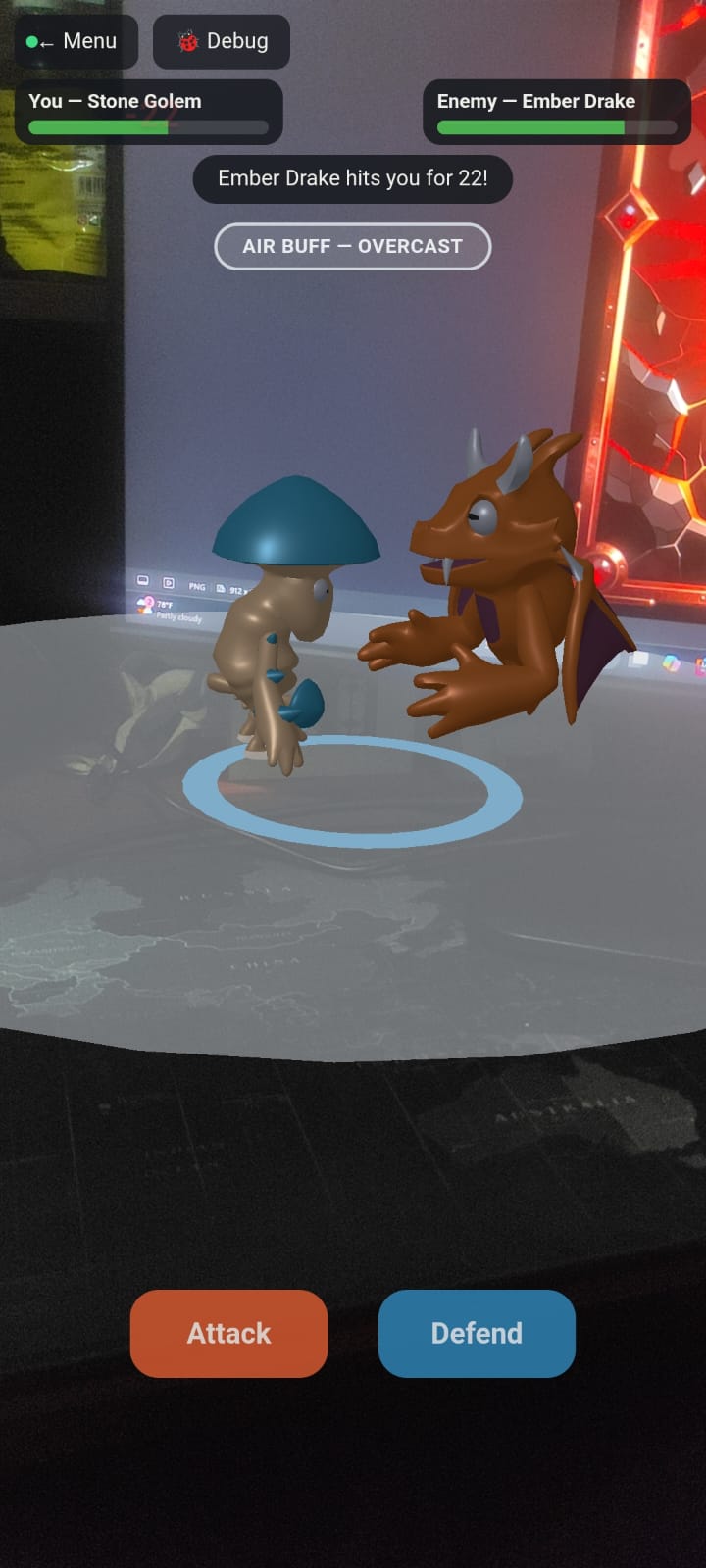
With your permission, the game reads the current weather at your location and gives one element ×1.5 damage for that match (for example “AIR BUFF — OVERCAST”).
Fight in real time
Tap to move within the arena, attack when in range, and defend to halve the next hit. The enemy AI acts on its own timer: it approaches, winds up attacks you can react to, defends, retreats when low and taunts. Hits show floating damage numbers and vibrate the phone.
Win or lose
Then play again.
Try it yourself
You need Chrome on an Android phone with ARCore support (iPhone isn't supported yet).
- Open the live demo on your phone.
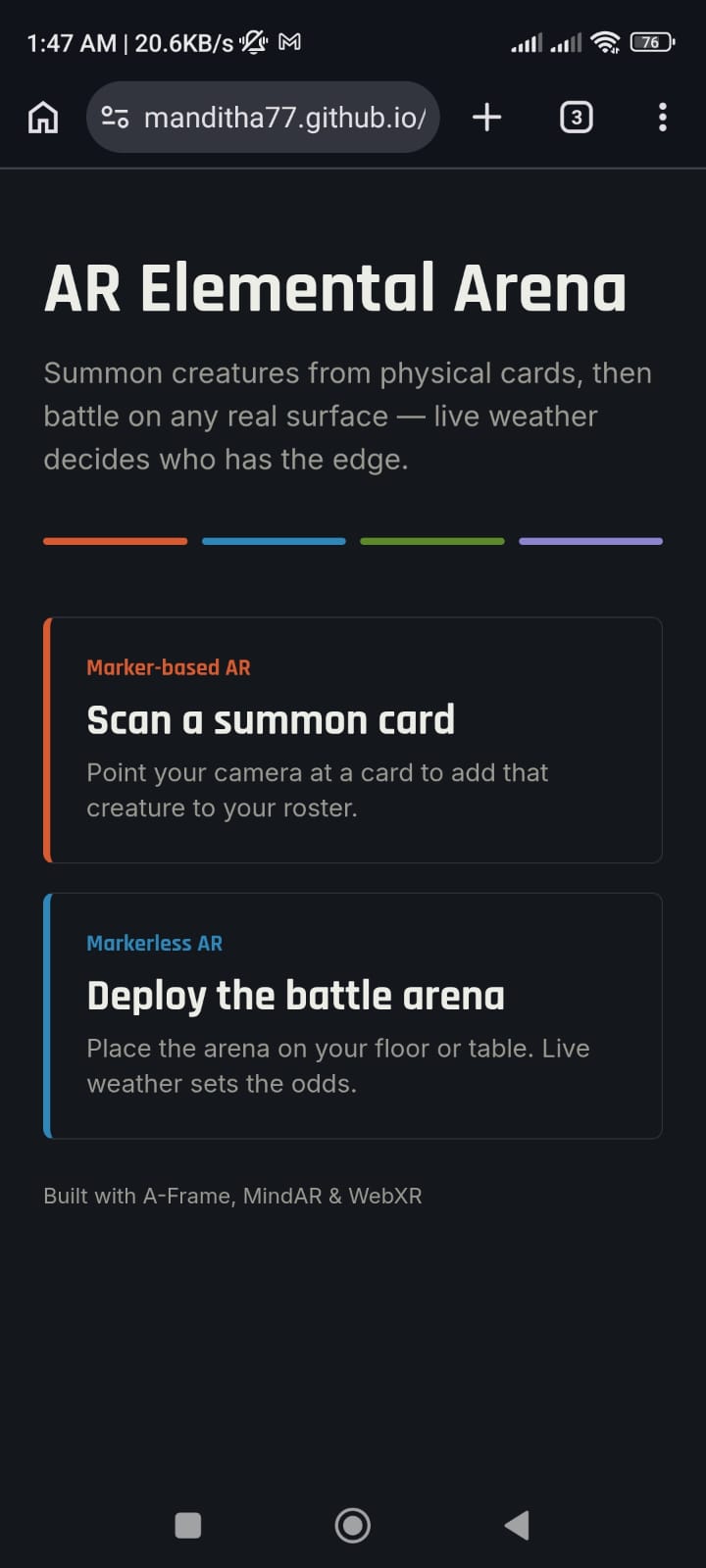
- Choose “Scan a summon card” and point your camera at one of the cards below, shown on this screen or printed.
- Once at least one creature is in your roster, go back and choose “Deploy the battle arena”, then aim at a floor or table.
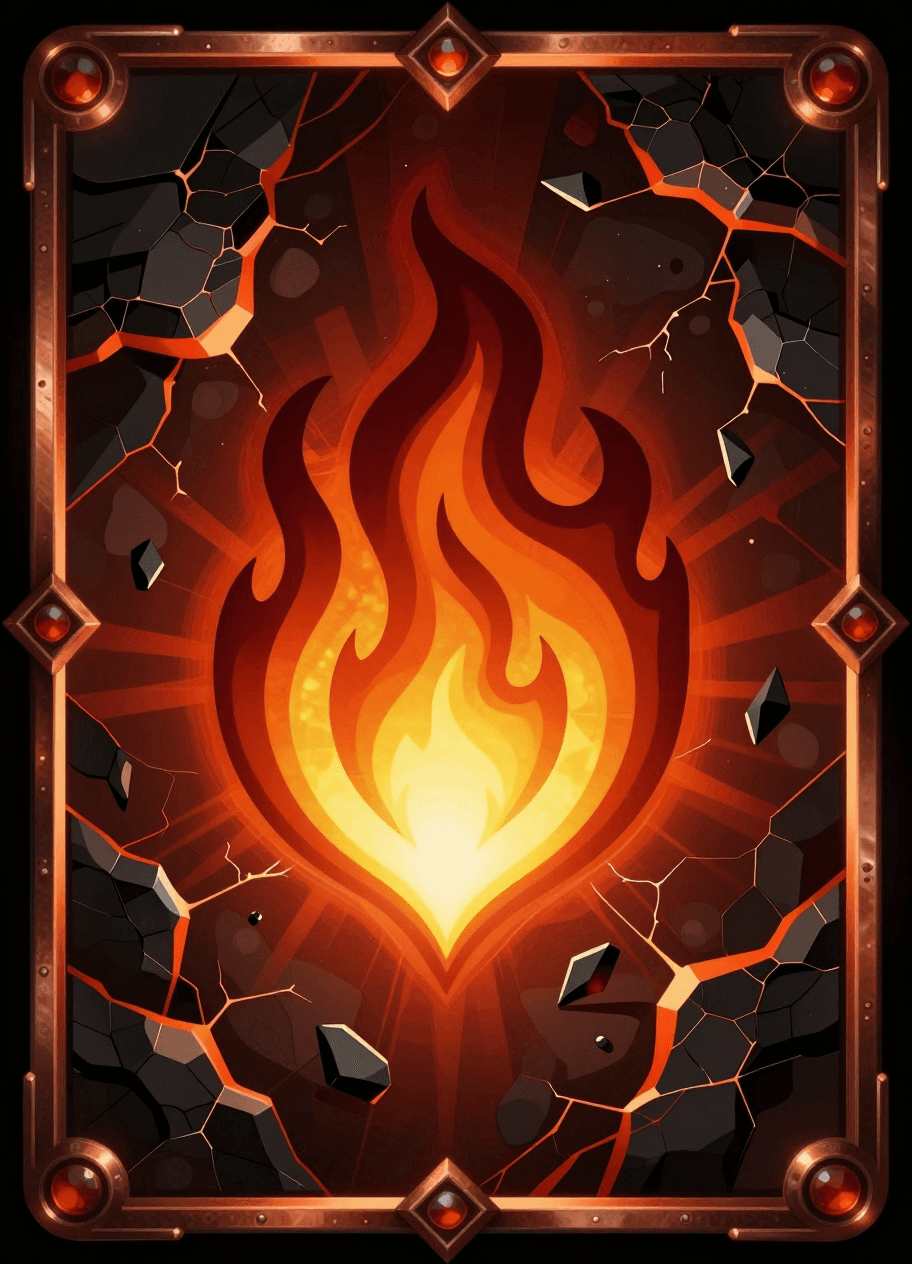
Fire summon cardOpen full size: Fire summon card (opens in a new tab) 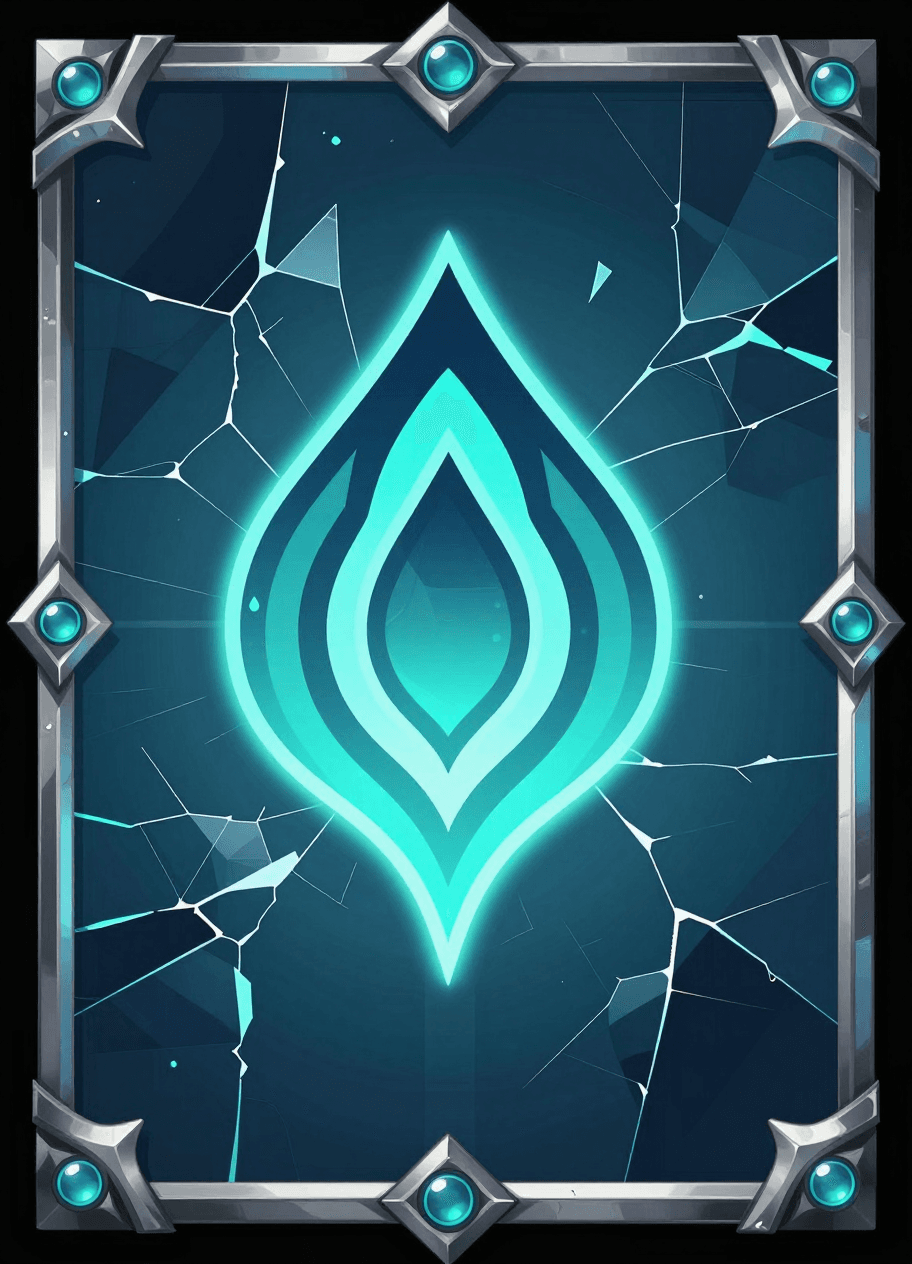
Water summon cardOpen full size: Water summon card (opens in a new tab) 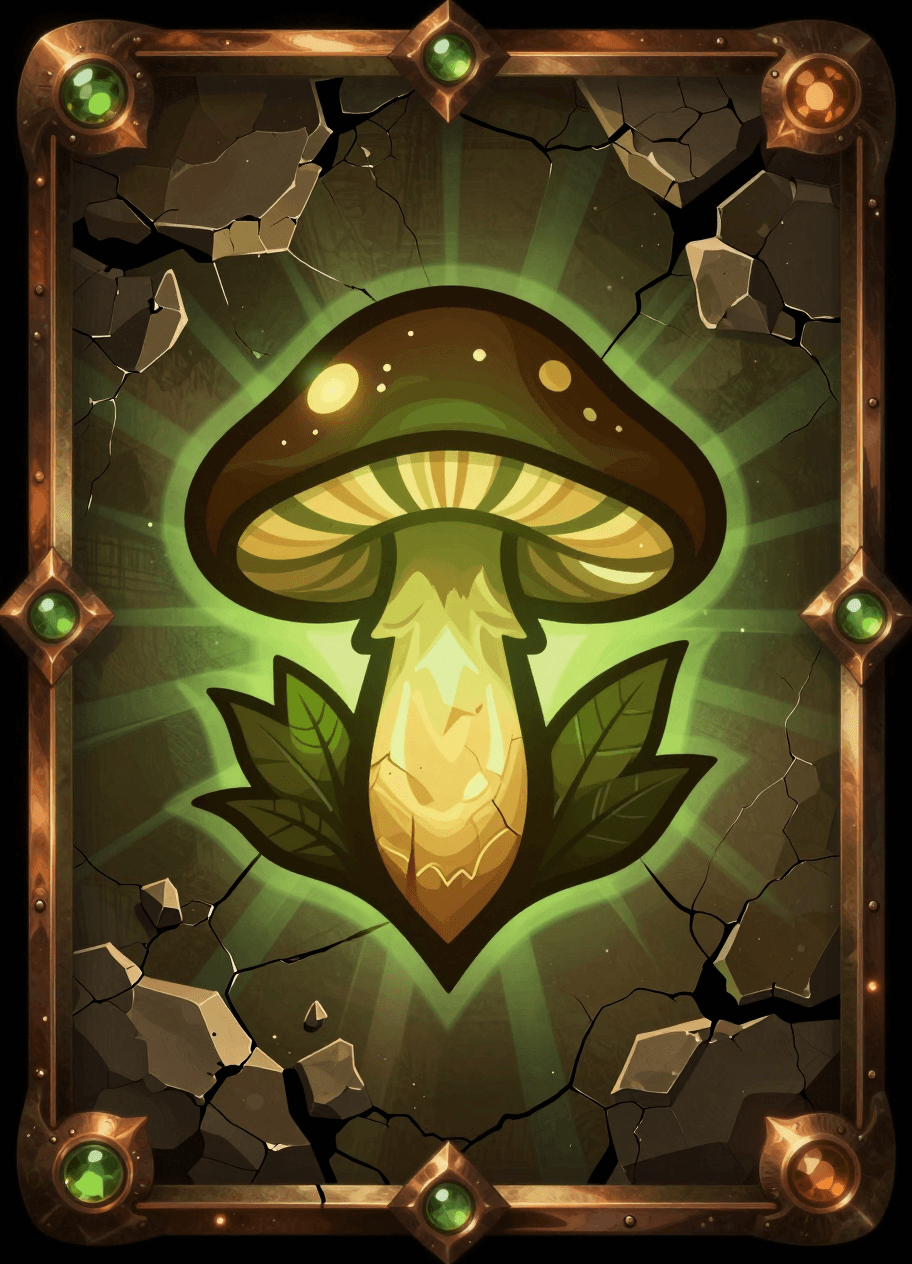
Earth summon cardOpen full size: Earth summon card (opens in a new tab) 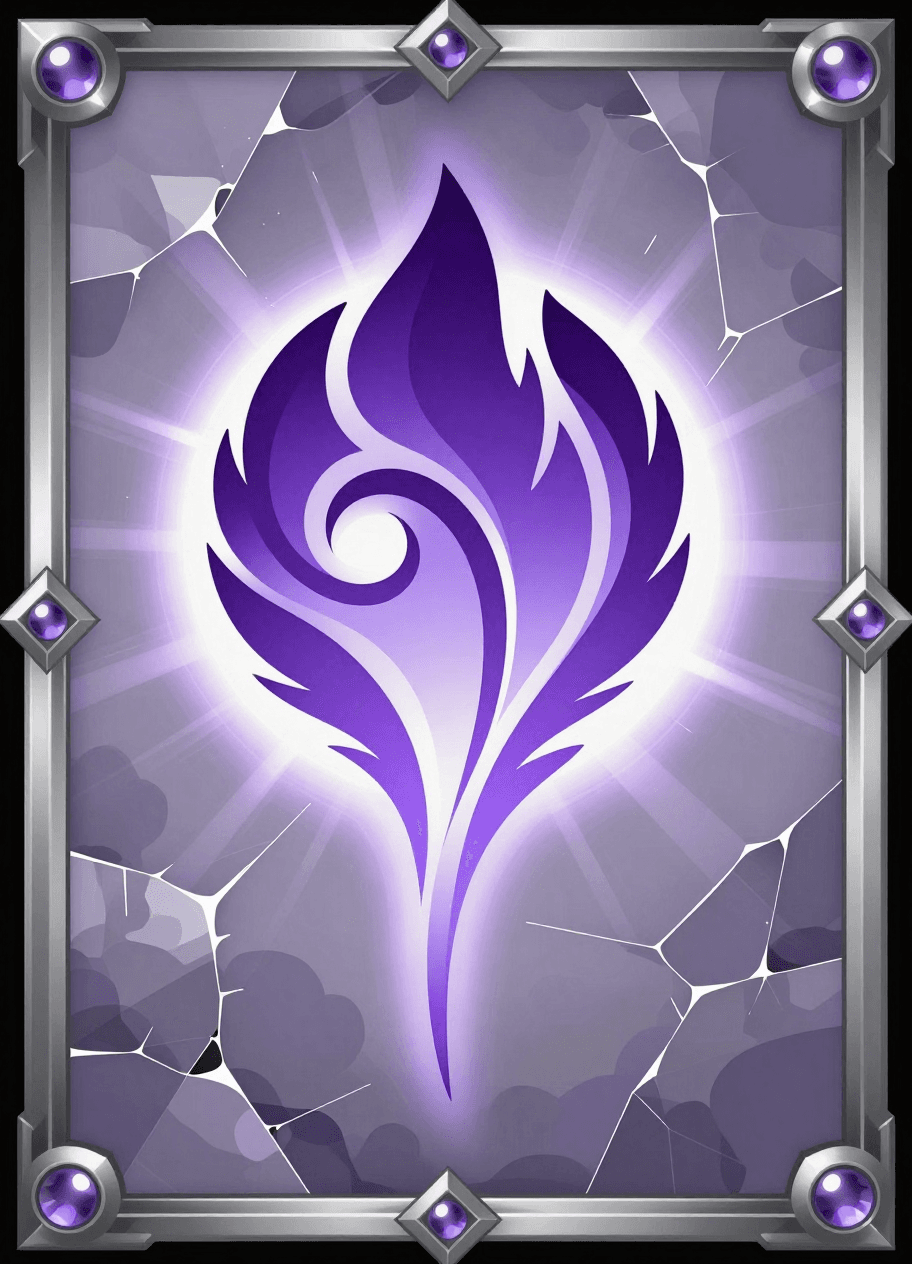
Air summon cardOpen full size: Air summon card (opens in a new tab)
What I built
Everything, solo: the game design, both AR modes, creature setup and animation handling, sound, the combat system and enemy AI, the weather integration, the UI, the summon card art (generated on my own GPU with ComfyUI), testing on a real Android device, and deployment to GitHub Pages.
Technical challenges
Getting camera-passthrough AR to show anything
Tapping “Start AR” first did nothing, because the code asked for a VR headset session; switching to an AR session fixed that, but the screen was then solid black. Two separate causes hid the camera feed: the renderer wasn't transparent, and the page's own background sat opaque behind the canvas. Fixing both, and rewriting surface detection as a proper A-Frame component so it actually ran every frame, got the reticle working on real surfaces.
Animations that played once, then never again
Attack, hit and death animations worked the first time, then silently refused to repeat. The animation library caches one action per clip and doesn't restart a finished one. Separately, clips referenced by plain names like “Walk” never played, because each model stored them with an armature prefix (“CharacterArmature|Walk”). I read the real clip names from each model's glTF data and forced a reset on every clip switch, so every move replays reliably.
Making combat feel real-time
The first battle loop used a single shared turn flag, so the enemy only ever reacted after the player, like a turn-based game. I replaced it with independent state per creature and a self-scheduling enemy AI (acting every 1.4–2.6 s) that moves, attacks, defends and retreats on its own clock, with a telegraphed wind-up so the player can react in time.
What I learned
AR bugs rarely show up as errors: a black screen, a silently ignored animation or a gesture swallowed by the browser all fail quietly. Since a phone can't easily stay connected to desktop DevTools during an AR session, I built an on-screen debug log into both scenes, and it became the most useful tool in the whole project. Every fix was confirmed on a real device, not just by the absence of console errors.
Screenshots
Choosing an AR mode Summoning Tide Serpent Summoning Stone Golem Battling Ember Drake
Credits
- 3D creature models by Quaternius: Dragon Evolved (fire), Fish (water), Mushroom King (earth), Bat (air).
- Sound effects: Kenney.nl RPG Audio, Impact Sounds and UI Audio (CC0).
- Summon card art: generated by me with ComfyUI (Z-Image Turbo) on my own GPU. How I set it up: I Turned My Laptop's Gaming GPU Into an AI Image Studio (opens in a new tab)
- Libraries: A-Frame, MindAR and aframe-extras (MIT). Weather data: Open-Meteo.
- Fonts: Inter and Rajdhani (Google Fonts).